
Personal finance for iPhone
Nothing in Tesoro
talks to your bank.
No logins, no Plaid, no account to create. You record what you want, when you want, and it stays on your phone.
The usual catch with an app like this is that it drifts out of date within a fortnight. Tesoro is built around that problem rather than around it: Apple Pay can hand it the merchant and the amount, repeating bills carry their own price history, and when your statement arrives you type the real balance and everything recalculates from there.
- Bank connections
- None
- Accounts to create
- None
- Third-party code
- None
- Currencies
- All supported
01
The part that makes manual entry bearable
Apple Pay, without the connection.
The usual trade with a privacy-first finance app is tedium: you get to keep your data, and in exchange you type every coffee.
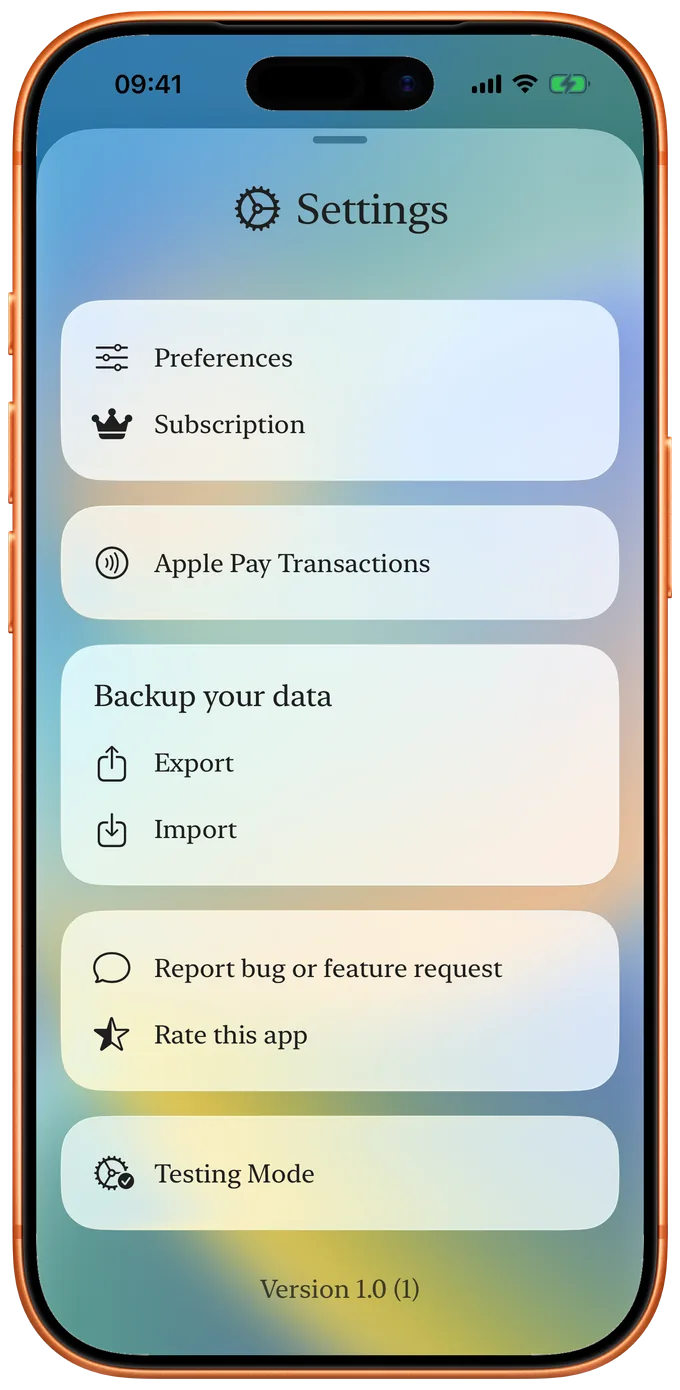
Tesoro takes a different route, using a Shortcut you build yourself in Apple's own Shortcuts app. Both sets of rules live in Settings, where you can rename, remap or delete any of them. So "SQ *THE DAILY GRIND 4471" becomes "Coffee ☕️", in the right account, in the right category, without you touching it again.
- You pay with Apple Pay. Your Shortcut catches the card, the merchant and the amount.
- It hands them to Tesoro, which stores them on your device until you next open the app.
- The card tells Tesoro which account the money left. The merchant tells it what to call the transaction and which category it belongs in.
- If either is new, Tesoro asks once, then remembers. Every payment after that files itself.
This is not a bank connection and not a Wallet integration. It is an iOS automation you configure and control, running entirely on your phone. Tesoro receives only what your Shortcut passes it, and nothing is sent anywhere.
02
Bills that change
Rent goes up. The electricity bill is never the same twice.
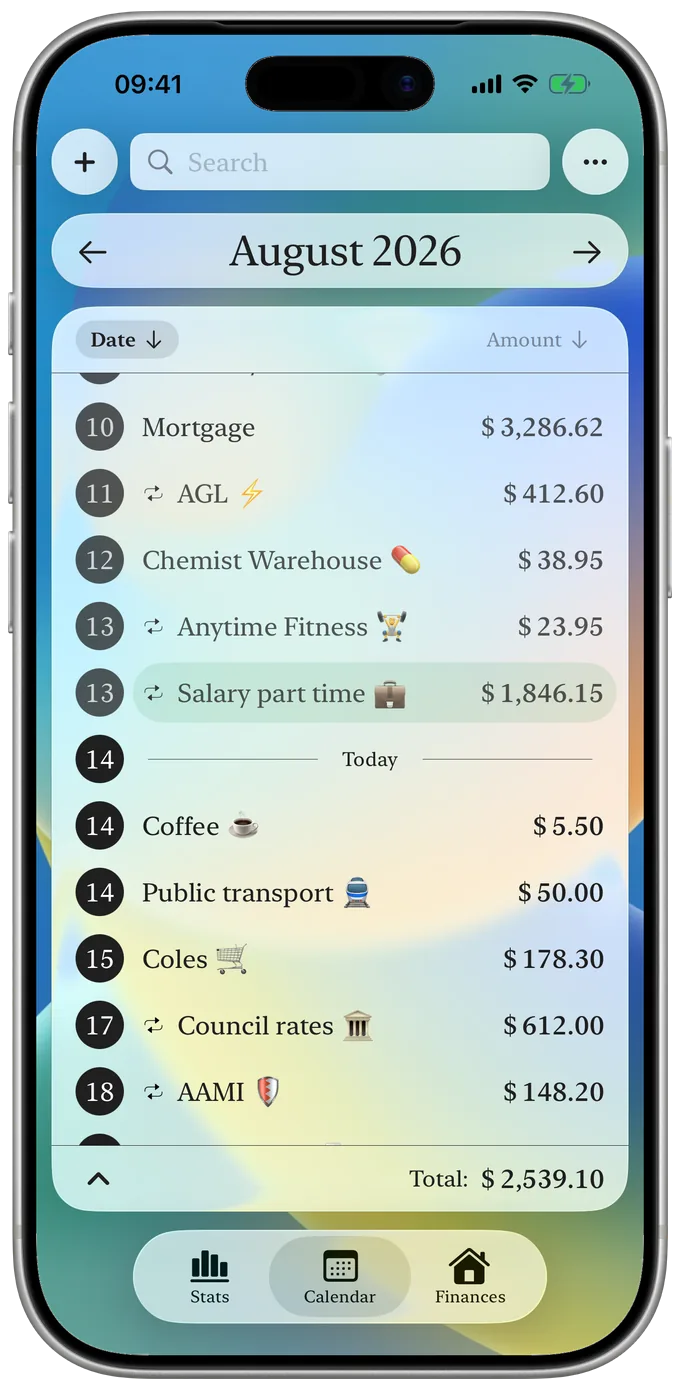
Most apps let you set a recurring amount and that is the end of it. Real bills are not like that, so Tesoro keeps a price history for every repeating transaction.
Change a single occurrence when the real bill arrives. Set a date range when the price changes for good, and Tesoro shows you the percentage increase, so a nine percent rent rise looks like one. Both kinds of rule can exist on the same transaction, and when they overlap the more specific one wins.
| Default | The amount you set when you created it. |
|---|---|
| Date range | Overrides the default from a given date onwards. |
| Single day | Overrides everything, for that one occurrence. |
Repeat weekly, monthly, yearly, or on any interval you like: every four days, every two years, whatever the bill actually does. Set an end date or leave it running forever.
Change the start date of a series six months in and nothing breaks. Every occurrence is recalculated, your price rules stay attached, and the calendar and account balances follow. You never have to delete a series and rebuild it.
03
The honest part
You do not have to record everything.
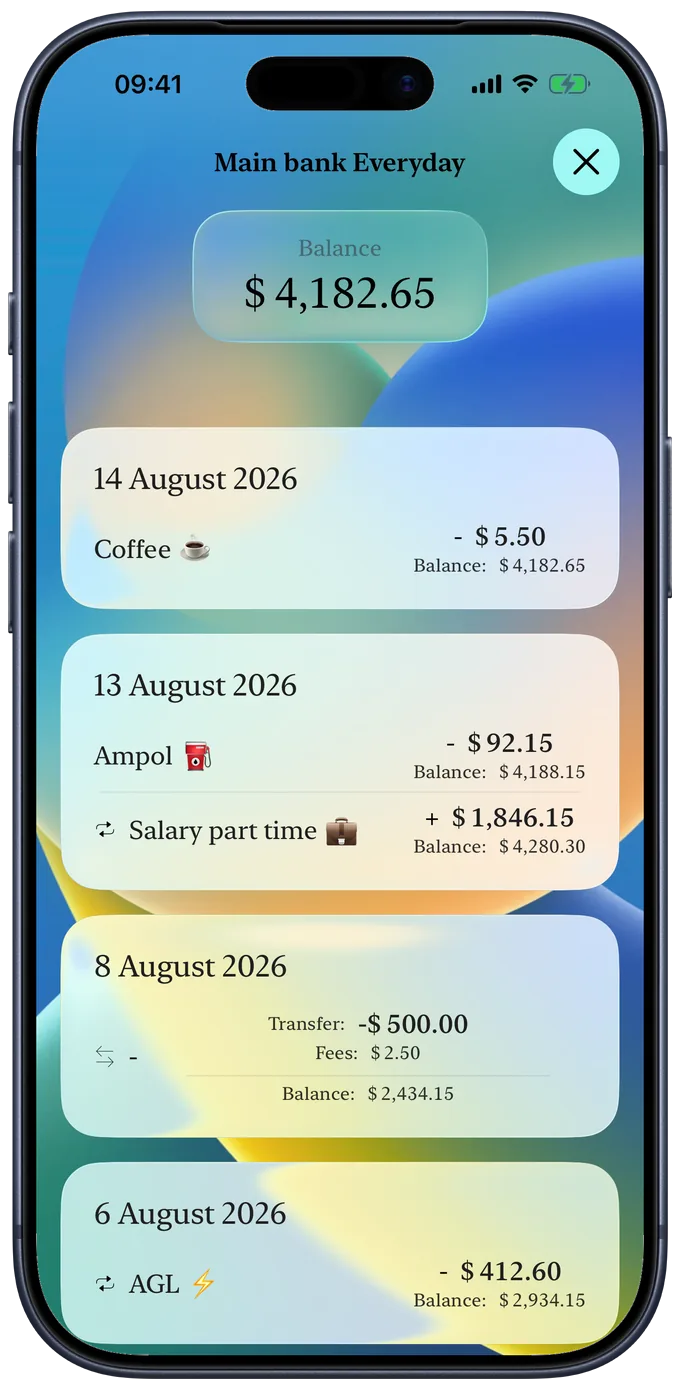
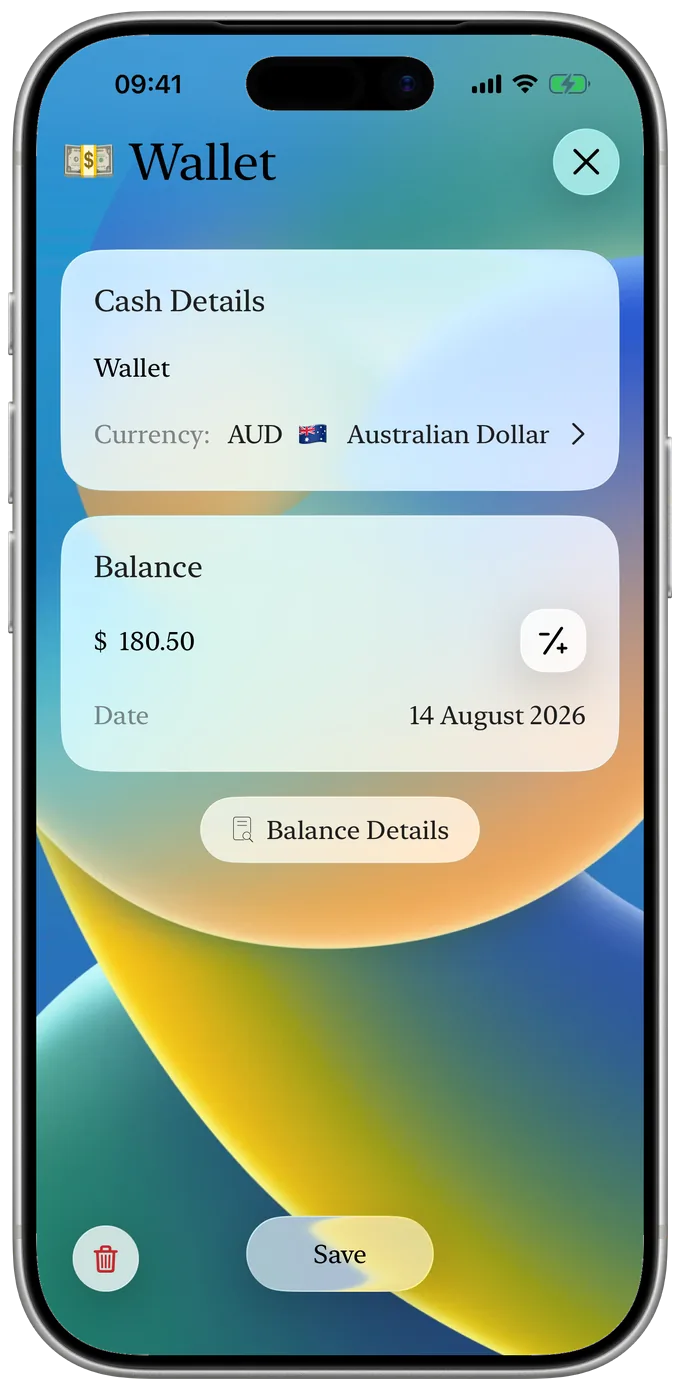
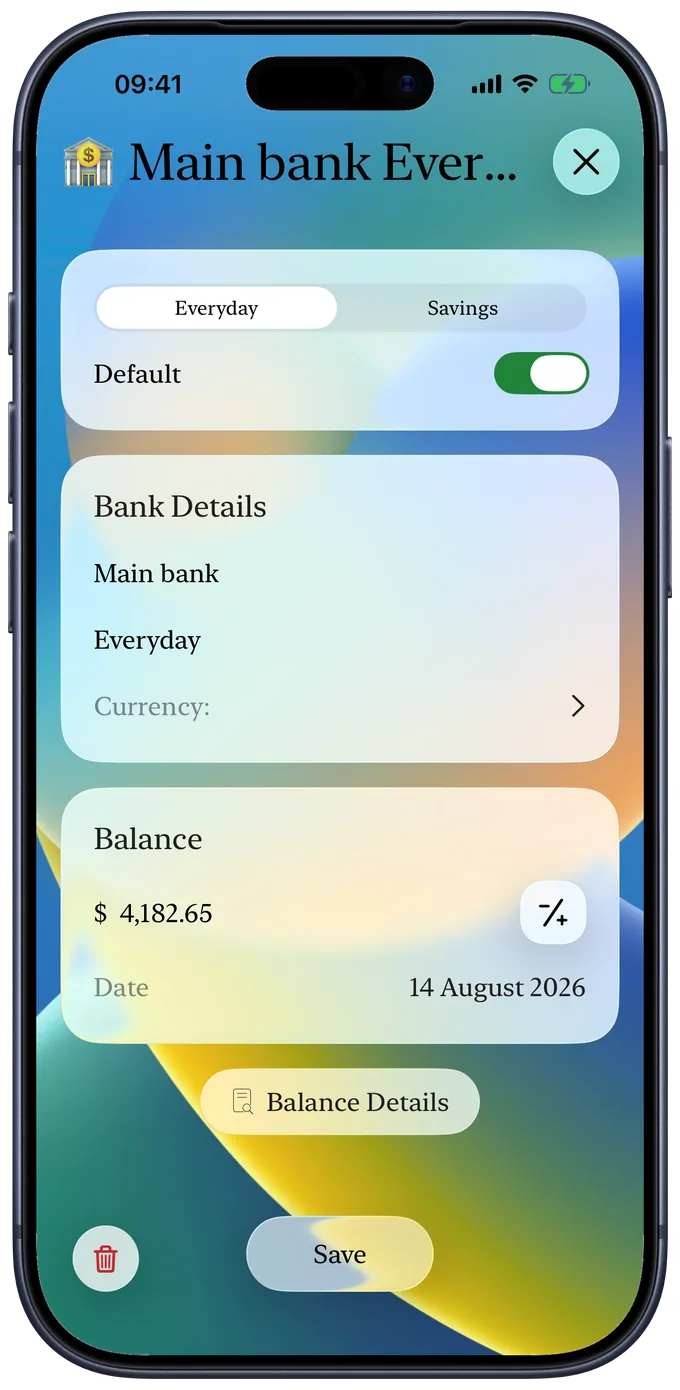
Every account in Tesoro has a balance you can set directly, with a date attached. From that moment it is the truth, whatever the transactions before it added up to.
That single idea is what keeps a manual app from quietly going wrong. Log the things you care about, ignore the ones you don't, and when your statement arrives, type the real figure. The gap closes and you carry on.
- Balance details Every transaction and every balance you have set, listed together in one running history.
- Editable throughout Tap any row to change it or remove it. Nothing is locked, so you can always see how a figure was reached.
- Autocomplete Names complete against what you have already entered. Pick a suggestion and the category comes with it.
04
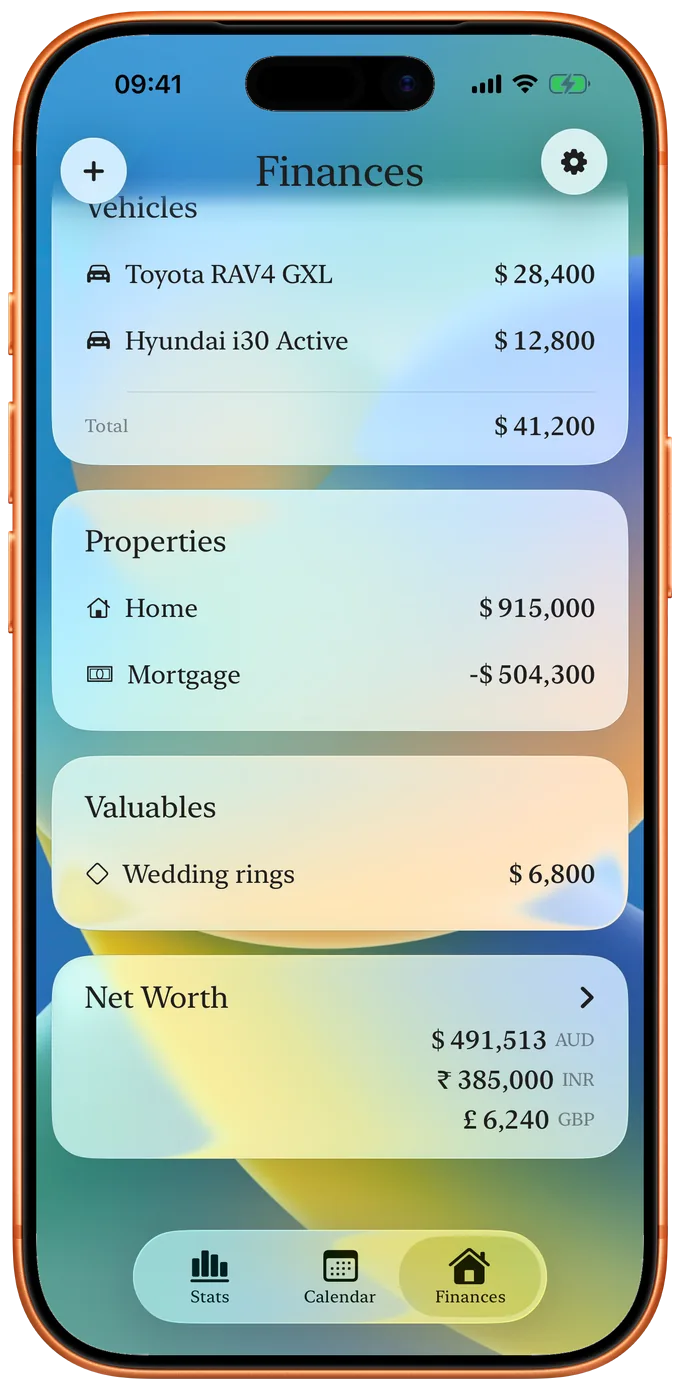
Everything in one place
Not just what you spend.
Cash, everyday accounts and savings sit alongside the things you own.
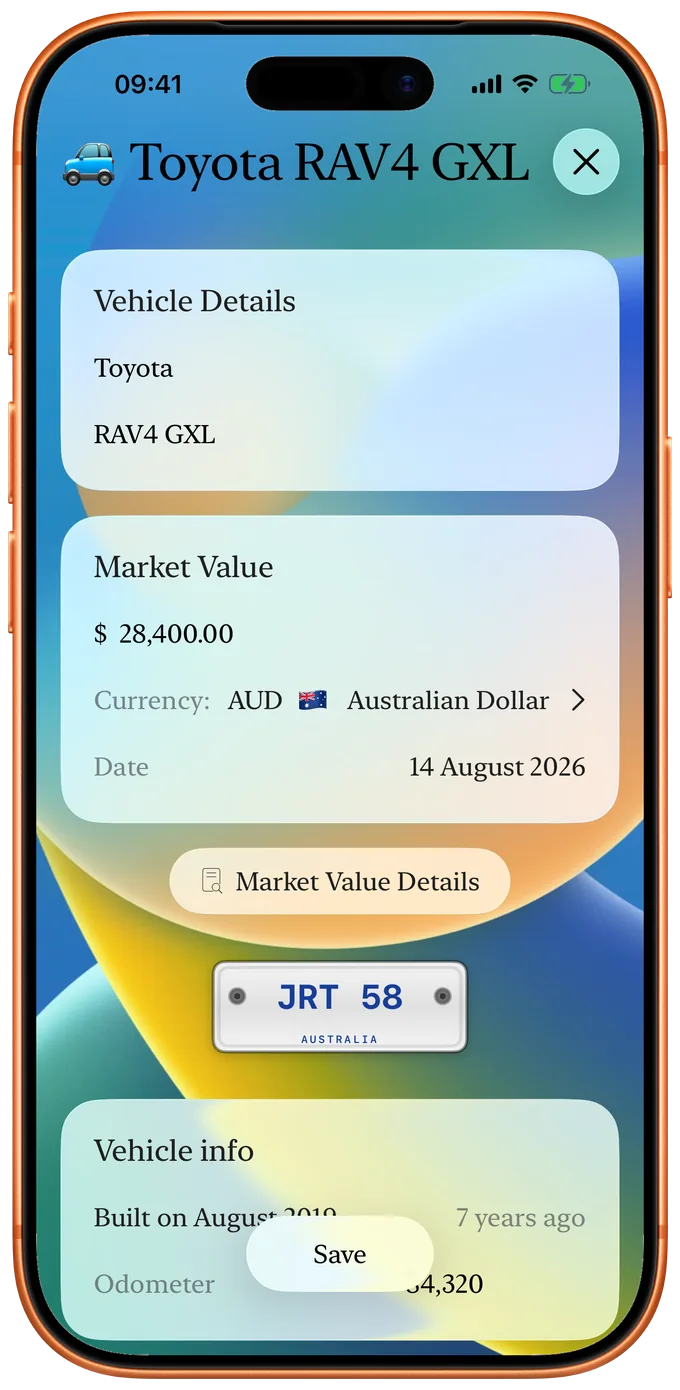
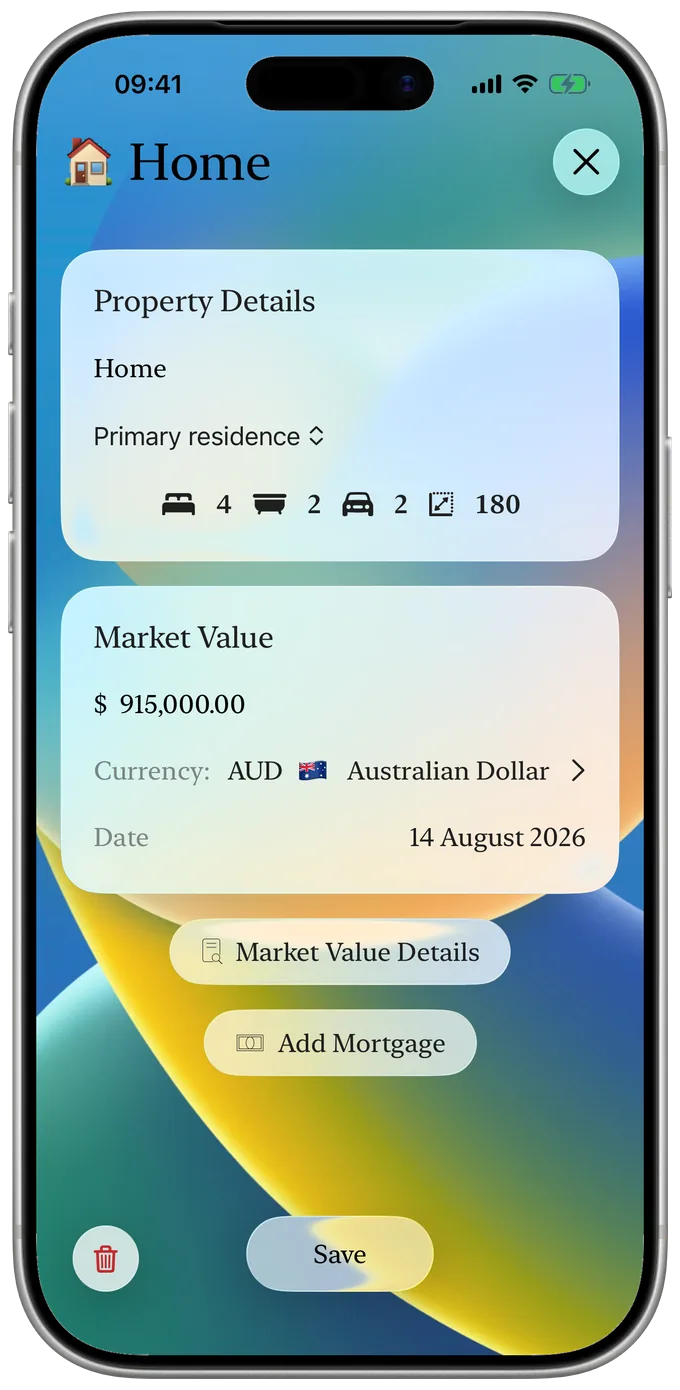
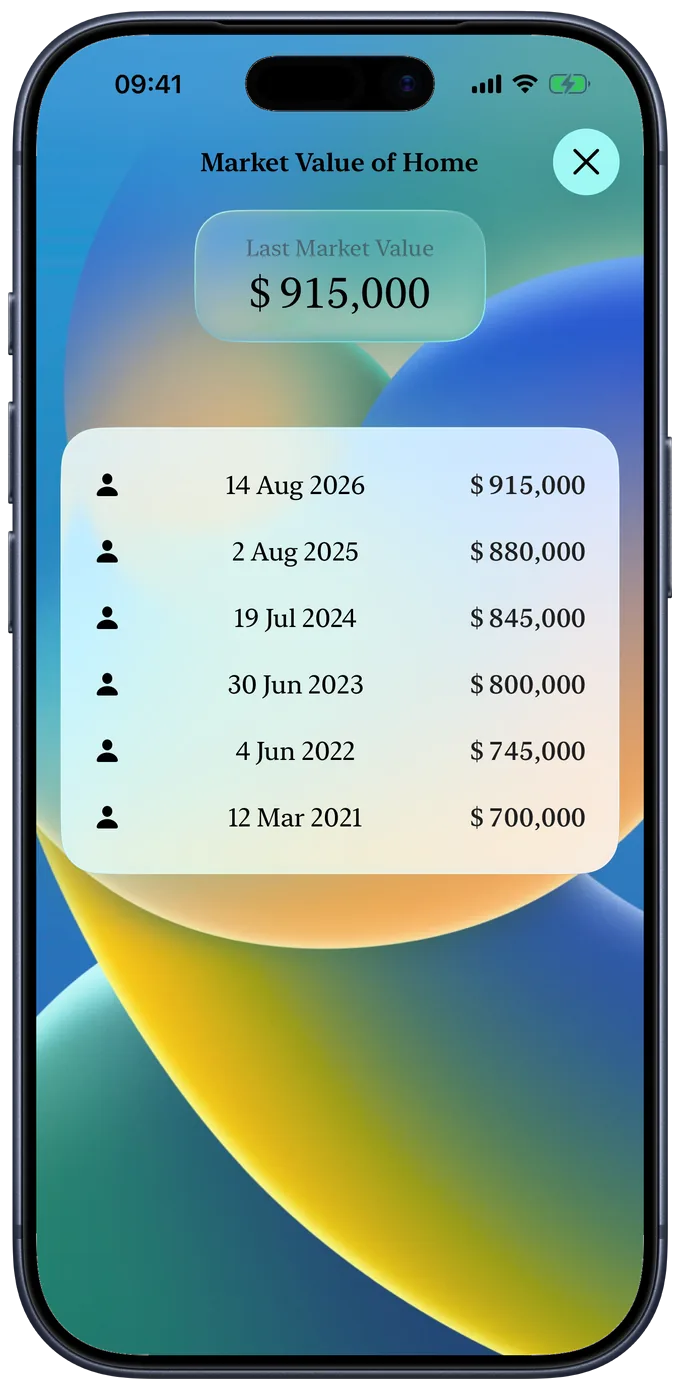
A car with its plate, its odometer, its service history and what it actually costs you each year. A property with its rooms, floor area and market value. Valuables with what they are worth today. Link a transaction to a vehicle and it counts towards that vehicle's running costs: petrol thirty-two times, servicing twice, and a total at the bottom.
- Cash and bank
- Balances, savings, transfers
- Vehicles
- Services, odometer, yearly cost
- Properties
- Rooms, size, market value
- Valuables
- Market value over time
- Net worth
- Liquid and hard assets, per currency
05
Looking forward and back
A calendar that already knows what is coming.
As a month
Tesoro opens on today and projects your repeating transactions forward. Keep scrolling into the future and it keeps generating, without you waiting for it.
As a list
Grouped by category with totals and counts, or one continuous run of everything you have ever entered. Search filters as you type, across type, account and currency.
As statistics
Income and spending broken down by category at daily, weekly, monthly and yearly scale, across whatever date range you choose.
Where a figure cannot honestly be calculated, Tesoro shows nothing rather than a zero. An empty month is an empty month, not a false total.
06
How this actually works
No servers. No accounts. No analytics.
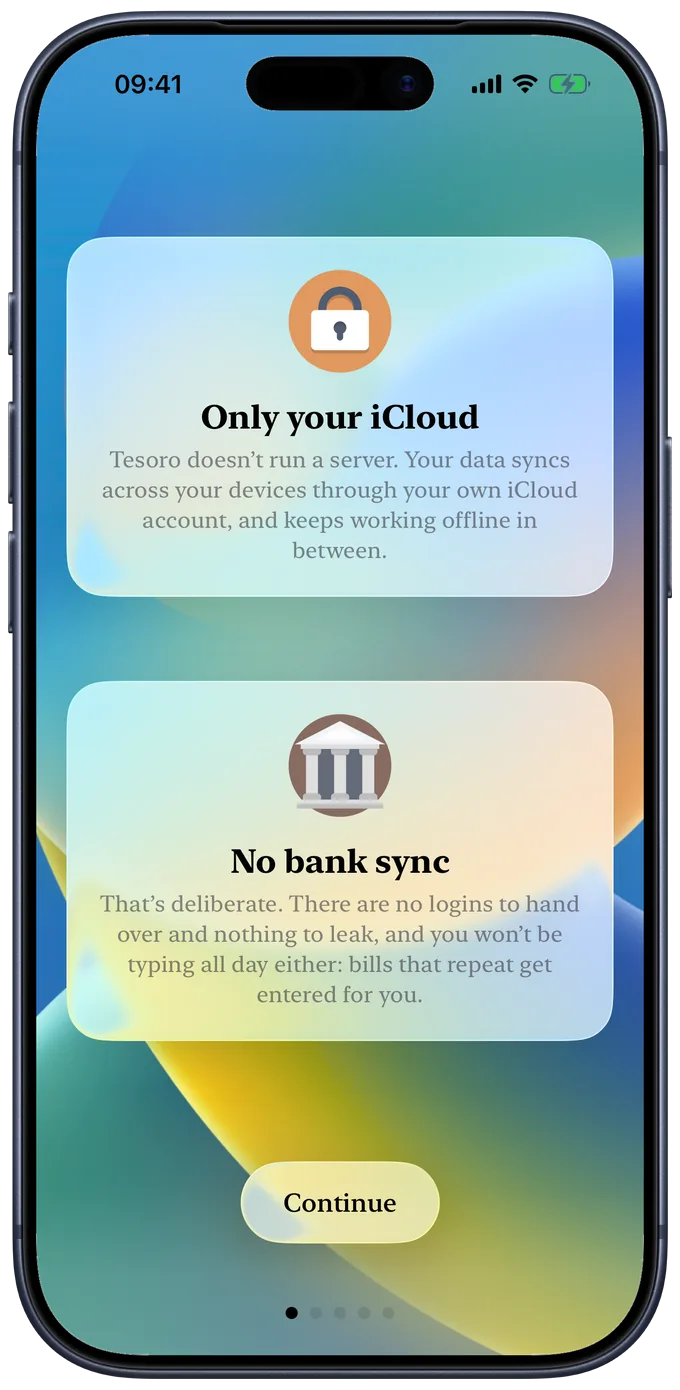
There is no Tesoro server. Nothing to sign up for, because there is nothing to sign in to. Your records live in a database on your iPhone and go nowhere unless you move them yourself.
Sync between your own devices runs through your personal iCloud account. Sensitive fields carry additional encryption so Apple cannot read them, and with Advanced Data Protection turned on in your Apple Account, nothing in iCloud is readable by anyone but you. Without it, Apple holds keys to standard iCloud data, which is worth knowing rather than glossing over. Either way, we cannot see any of it.
Face ID or Touch ID can lock the app on open. Reminders are scheduled locally by iOS, with no push server and no device token. Export everything to CSV whenever you like, and take it with you.
- No third-party code No analytics SDK, no crash reporter, no advertising identifier. Apple's own code only.
- No camera or photos Tesoro never asks for either, nor for location, contacts or your calendar.
- Nothing to sell Data brokerage is not refused as a policy. It is impossible, because none of it reaches us.
This page is part of the same promise. It sets no cookies, loads no fonts from anyone else, and makes no request to any server but this one. The full detail is in the privacy policy.
TestFlight
The beta is open.
Tesoro is built by one person in Perth, Western Australia. The beta is free, nothing is charged during it, and feedback comes straight to me rather than a support queue.
I would rather have twenty testers who tell me a number looks wrong than a thousand who quietly uninstall. If you already keep your finances by hand, or you have tried three of these apps and abandoned all of them, you are exactly who this needs.
What you enter during the beta is real. It is the same database the released app uses, so your records carry forward and you will not have to start again. TestFlight builds themselves expire after ninety days and are replaced by the next one.